How to Open a Free Online Shop in Nigeria: Step by Step
Open a free online shop in Nigeria with Needplug: no subscription, no commission, your own shop link and safe payments. Follow this step-by-step guide.
Needplug Team · Updated 26 October 2026
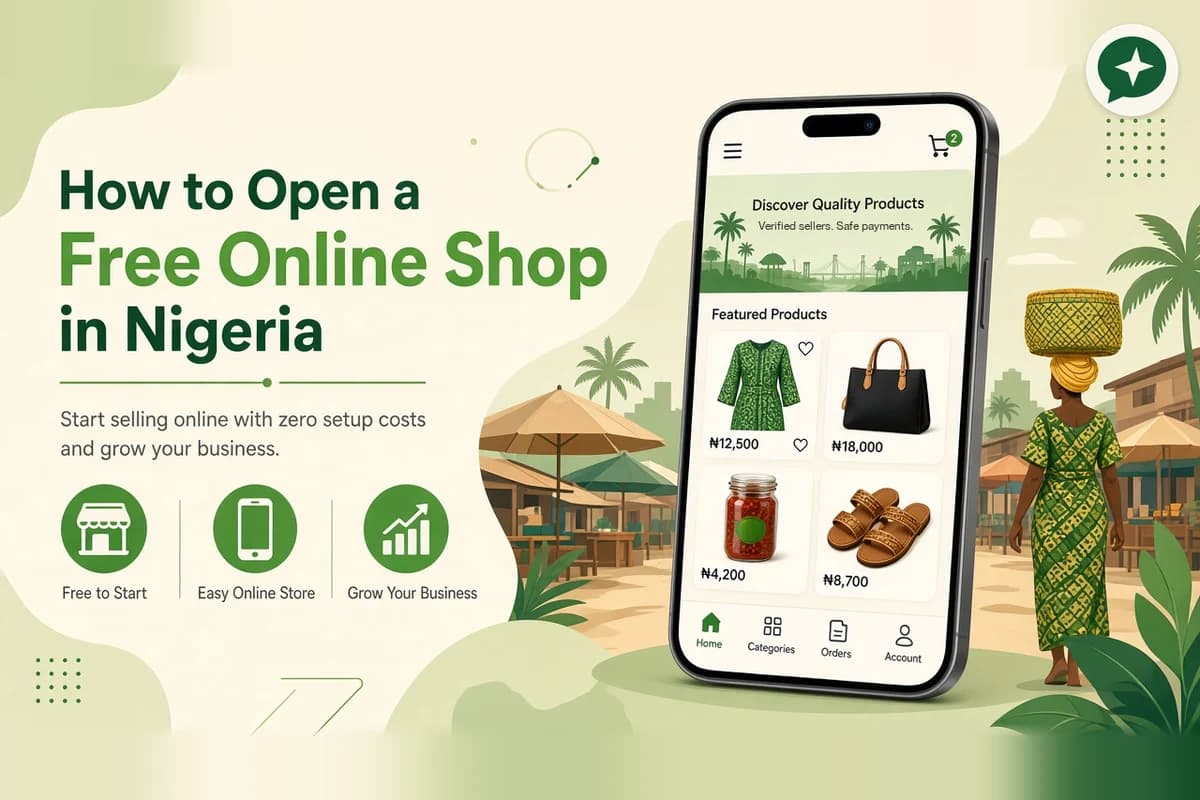
You already have customers. They message you on WhatsApp, find you on Instagram, or walk past your stall. But keeping track of prices, sending account numbers, convincing new buyers to trust you and chasing orders in chats takes a lot of time.
An online shop puts everything in one place: your products, your prices, your delivery options and a safe way for buyers to pay. With Needplug, opening one is free, with no subscription and no commission. This guide walks you through it, step by step.
Why open your shop on Needplug
Before the steps, here is what you get:
- A free shop. No plans, no monthly fee, no commission. You keep your full price.
- Your own shop link, like yourname.needplug.shop, to share on WhatsApp, Instagram and TikTok.
- Buyers who feel safe paying you. Buyers pay through Needplug, and the money is held until they receive their order and give you their order code.
- Buyers near you. Buyers pick their area and see sellers close to them first.
- Free verification. Confirm your identity with your NIN and a quick face check, and verify your business with CAC. Both are free.
- Works anywhere in Nigeria, in any phone browser. No app download needed.
What you need before you start
Gather these so setup goes quickly:
- A phone number you control, an email address, or a Google account
- Your NIN, for identity verification
- Your CAC details, if you have a registered business (optional but helpful)
- Clear photos of your products or your work
- Your prices, and a short description of each item or service
- The bank account you want to be paid into
- Your delivery plan: where you deliver, what you charge, or whether buyers will pick up
Don't worry if you don't have everything. You can start and add more later.
Step 1: Create your account
Go to needplug.com/join.
You can sign up with Google, or with your phone number or email. If you use your phone number, Needplug sends you a six-digit login code. No password to remember.
Tip: use a phone number you control, because anyone who can read its messages can receive your login code.
Step 2: Choose how you want to sell
Needplug will ask whether you are a shop or selling as yourself.
- Shop: for businesses. You can list up to 1,000 items.
- Sell from home: for individuals clearing out items or just starting small. You can list up to 10 items.
If you are not sure, start where you are today. You can grow from there.
Step 3: Tell us about your business
Add your business name, what you sell or do, and your area. Your area matters, because buyers see sellers near them first.
Step 4: Verify your identity (free)
Confirm your identity with your NIN and a quick face check. If you have a registered business, add your CAC details too. Verification is free.
Verified sellers carry a badge on their shop, and buyers look for it before they pay.
Step 5: Add your products or services
Now the fun part. For each item:
- Upload clear, real photos
- Write a short, honest description (size, colour, condition, what is included)
- Set your price
- Choose the condition: Brand new, Foreign used, Nigerian used or Refurbished
Have a lot of products? Import your catalogue from an Excel or CSV file instead of adding items one by one.
Offer a service? Set up bookings so customers can pick a time.
Selling in bulk? Turn on wholesale, set wholesale prices and minimum orders, and approve resellers.
Running an event? Create free or paid tickets, with attendee lists and check-in. Organisers are paid after the event.
Selling e-books or downloads? List digital products. Buyers can pay by card at any amount, including from abroad.
Step 6: Set up delivery or pickup
Needplug does not deliver. You stay in control of your own deliveries:
- Choose the states you cover, or all of Nigeria
- Set your own delivery fee, or offer free delivery
- Add your rider's details
- Let buyers pick up from you if that works better
Buyers see the delivery fee before they pay, so there are no arguments later.
Step 7: Open your shop and share your link
Open your shop from your dashboard. You now have your own link, like yourname.needplug.shop.
Share it everywhere your customers already are:
- Your WhatsApp status and business profile
- Your Instagram and TikTok bio
- Your broadcast lists and customer groups
- Flyers and stickers at your shop or stall
Step 8: Get your first order and get paid
When a buyer orders:
- You get a new-order alert. Add the seller dashboard to your phone's home screen and it sends you notifications.
- Chat with the buyer in the order chat if you need to confirm anything.
- Hand over the item, deliver it, or do the job.
- The buyer gives you their order code.
- Enter the code, and your money goes to your bank.
Selling offline too? Use Record a sale so your stock stays correct. To see exactly how the order code protects both sides, read how Needplug buyer protection works.
Tips for a shop that sells
- Use real photos. Show the actual item, in good light.
- Be clear about condition and size. It saves you questions and returns.
- Get verified early. The badge helps new buyers trust you.
- Keep stock up to date. Mark items sold out when they are.
- Share your link often. Every post and status update is a chance to send someone to your shop.
Need help? We'll set it up for you
If you'd rather not do it yourself, the Needplug team can set up your shop for you, free. Chat with us on WhatsApp at +234 702 529 5245 and send us your photos and prices.
Open your free shop today at needplug.com/join.